Sharing Your Report
Email a report to a client, create a public link and QR code, and control document access.
Share with a Client
Open the report. The Share button sits at the top, next to the ••• button.
Click Share. The Share Report panel slides in from the right.
Under Email to a client, enter the client's name and email address.
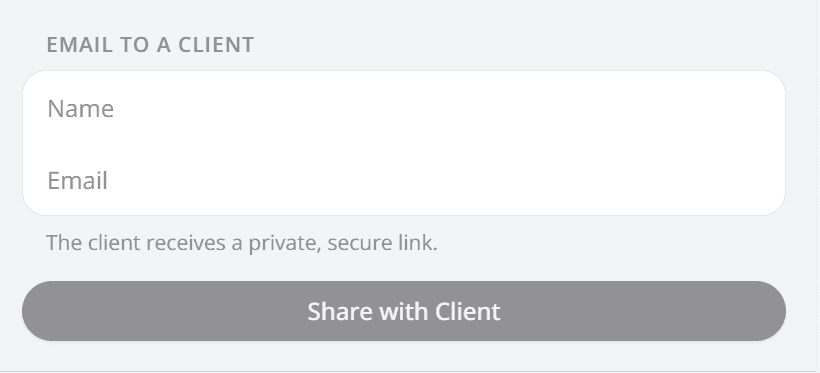
The email's Reply-To is your account email address. If your client hits reply, the message comes straight to you.
Click Share with Client. A pop-up asks whether to Include full document access.
Leave it off to share the report only. Turn it on so your client can also open the original source documents.
Confirm with Share report. Your client receives an email with a private link.
Public Link & QR Code
In the Share Report panel, go to Public link & QR code. Click Create Public Link & QR Code.
Choose the document access level. Confirm with Create link & QR code.
The link and QR code are emailed to you. A Copy Public Link button replaces the create button.
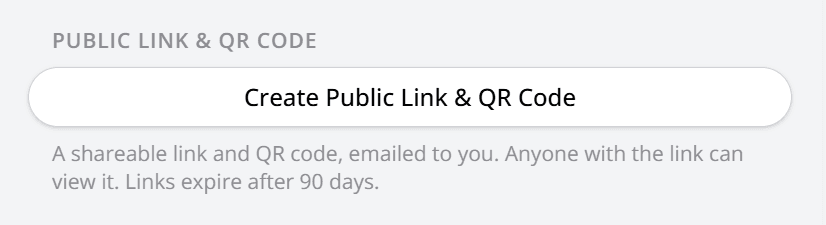
Anyone with the link or QR code can open the report without signing in. Public links expire after 90 days.
Previous Clients
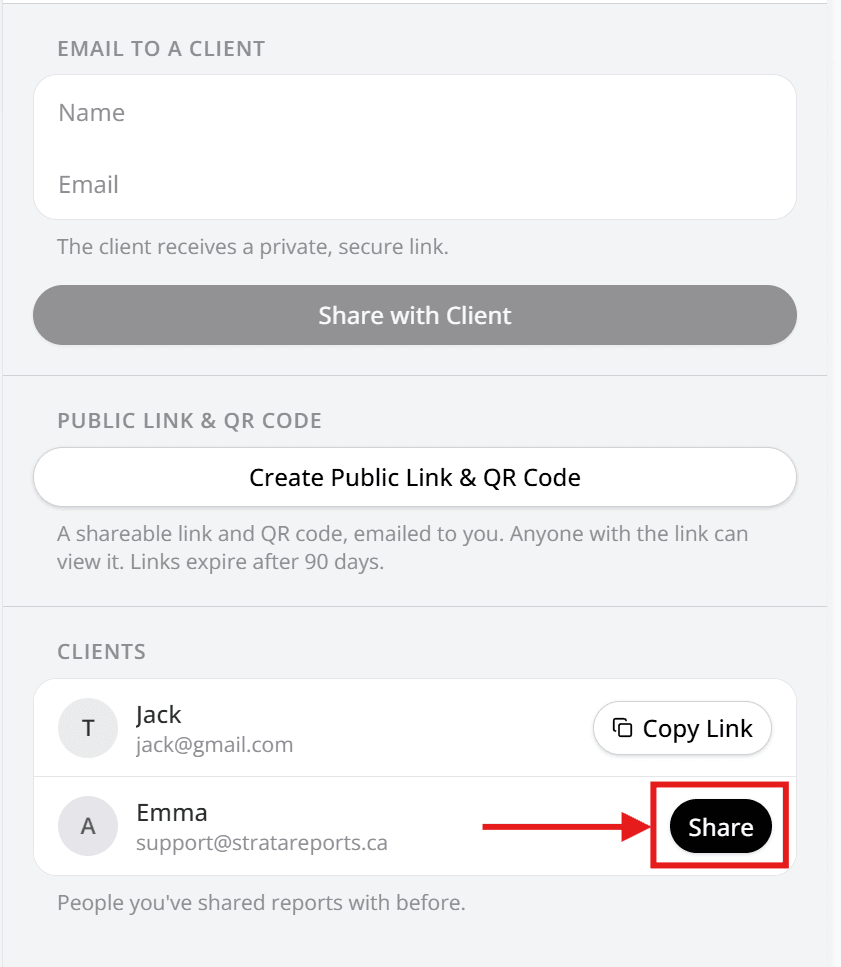
At the bottom of the Share Report panel, Clients lists the people this report has gone to. The section appears once you have shared the report at least once. Each of those clients has a Copy Link button, and anyone not yet shared with has a Share button that opens the same document access pop-up.
Good to Know
Your client needs no account. Only the Report Assistant chat asks them to sign in. See what your client sees
Printing creates a public link. The print view adds it to the cover page as a QR code, so a printed copy opens the live report. That link never includes document access. Printing reports
Frequently Asked Questions
Turn it on and your client can open the original source documents as well as the report. Leave it off to share the report only.
A public link expires 90 days after you create it, and its QR code opens that same link. A link emailed to a client is private to them, and the app states no expiry for it.
Not from the app. A link stays live until it expires. Email us at support@stratareports.net to have one disabled.
No. We do not offer view tracking today.